Build a Fashion Store on LINE Mini App with AI: From Template to Chat Commerce
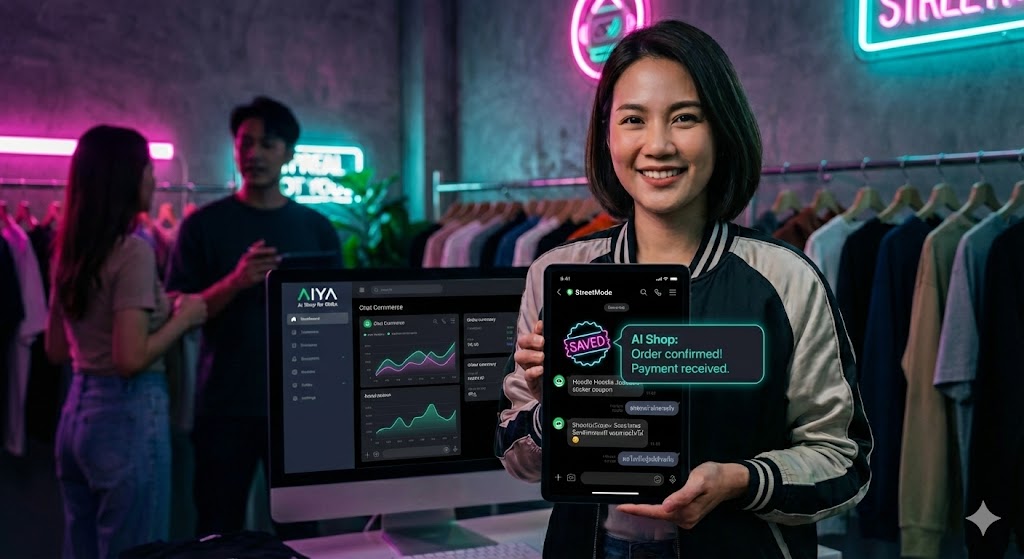
In an era where LINE Mini App has become a primary channel for online sales, having a beautiful and user-friendly storefront is crucial. This article will show you how we use AI to create a professional Fashion Store Template, and when combined with Chat Commerce, you get a seamless and comprehensive shopping experience.
1. Fashion Store Template: Create Premium Storefront with AI
Creating a beautiful and functional template isn't easy. But with the power of AI Image Generator and Google AI Studio, we can create a professional fashion storefront in record time.
From Idea to Real Screen
We started by using Stitch.ai to create UI Design, focusing on:
Real Fashion Photography — Use real model and product photos instead of graphics for credibility
Premium Brand Identity — Design to look like a high-end brand with elegant logos and colors
Mobile-First Experience — Designed for mobile use from the ground up
Complete Screen Set
The template we created consists of 9 main screens covering every shopping flow:
Product Discovery — Landing Page, Featured Products, Category & Filter
Shopping Flow — Select Color/Size, Shopping Cart, Track Order
User Management — Notifications, Member Dashboard, Profile
Each screen is designed with AI to be complete and ready for real use, not just mockups.
Discovery: Find Products
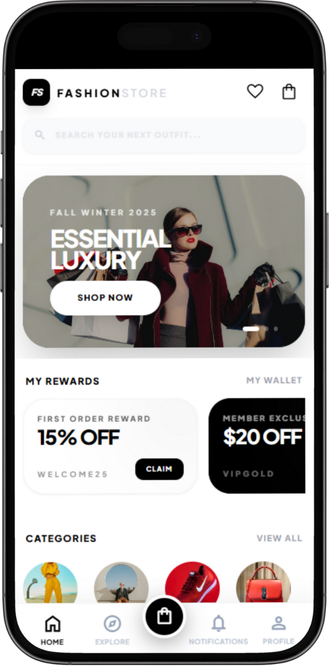
Landing Page
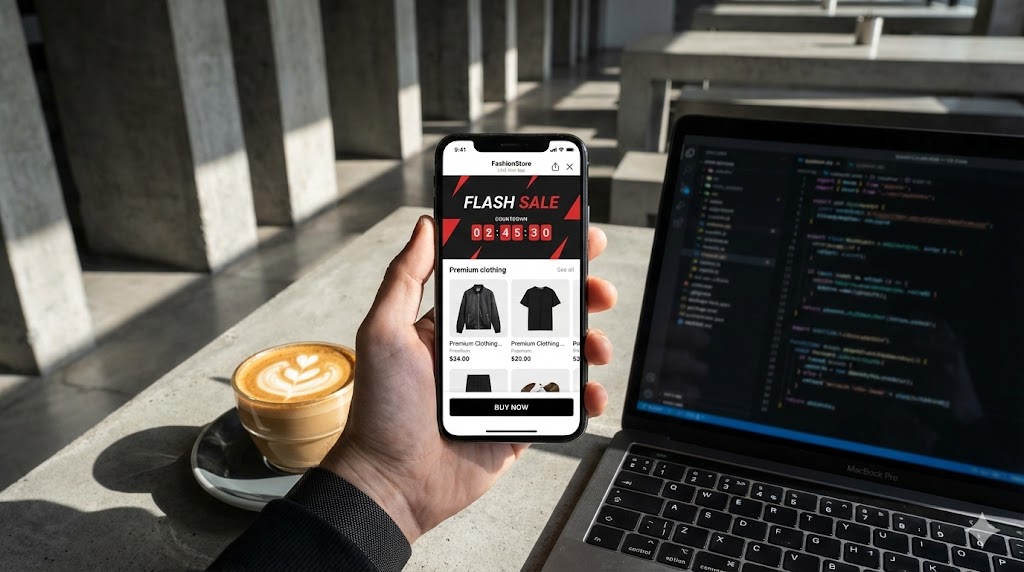
Landing Page — Main page attracting with Premium Fashion Photography featuring Flash Sales and Featured Collections
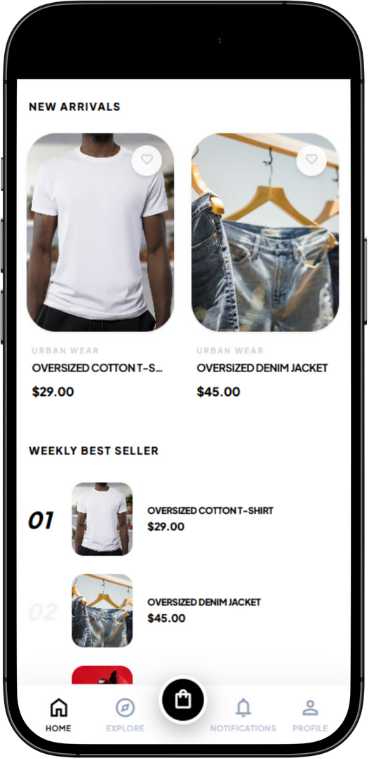
Landing Page 2
Featured Products — Showcase recommended products and special promotions designed to drive purchases
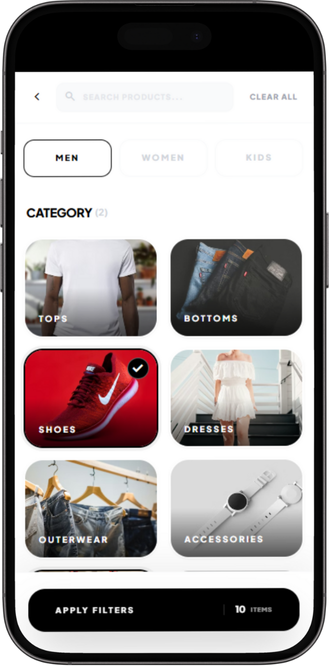
Category Screen
Category & Filter — Smart product filtering system sorted by category with Dynamic Size Selection
Shopping Flow: Decision and Purchase
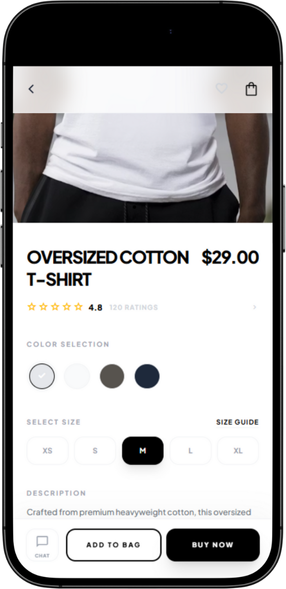
Select Size & Color
Product Customization — Easy color and size selection with real-time stock display
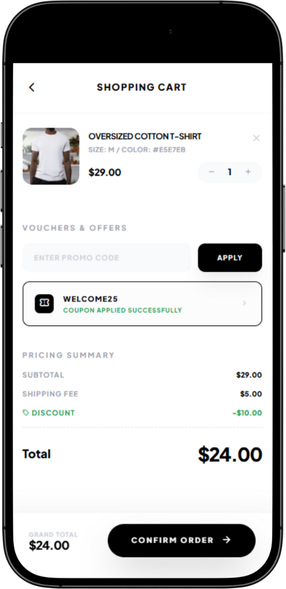
Shopping Cart
Shopping Cart — Adjust quantity and remove items with instant total price calculation
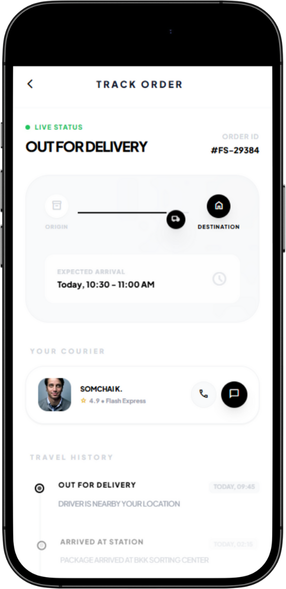
Track Order
Order Tracking — Interactive parcel status tracking with real-time information
User Management: Customer Care
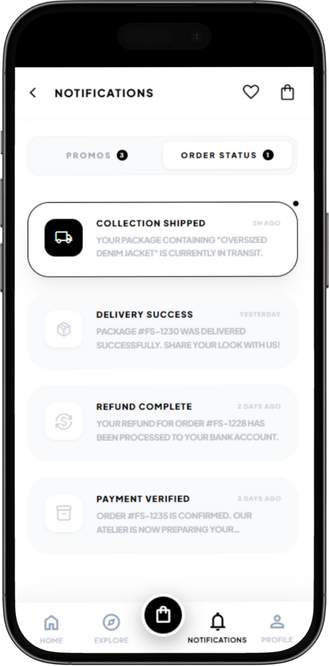
Notification Screen
Notifications — Product status and special promotion alerts with real-time updates
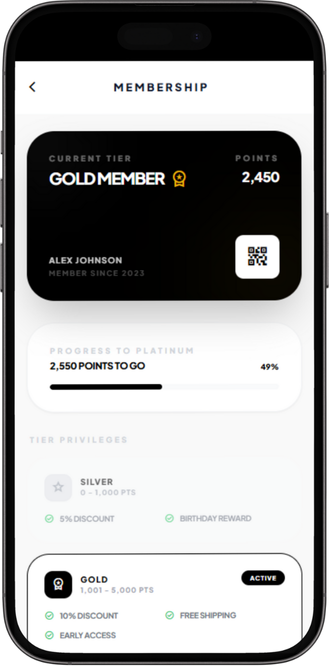
Member Screen
Member Dashboard — Member page with point system, order history, and exclusive benefits
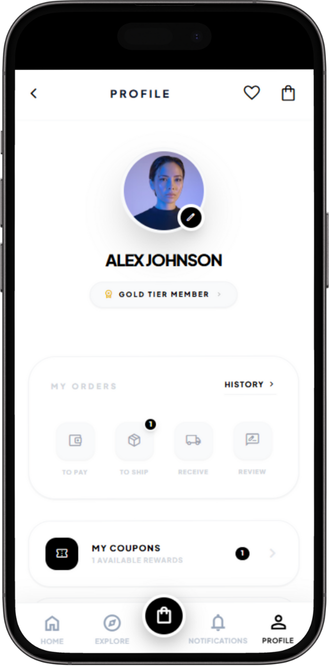
Profile Screen
User Profile — Manage account, shipping addresses, and settings easily
2. Chat Commerce: Complete the Shopping Experience
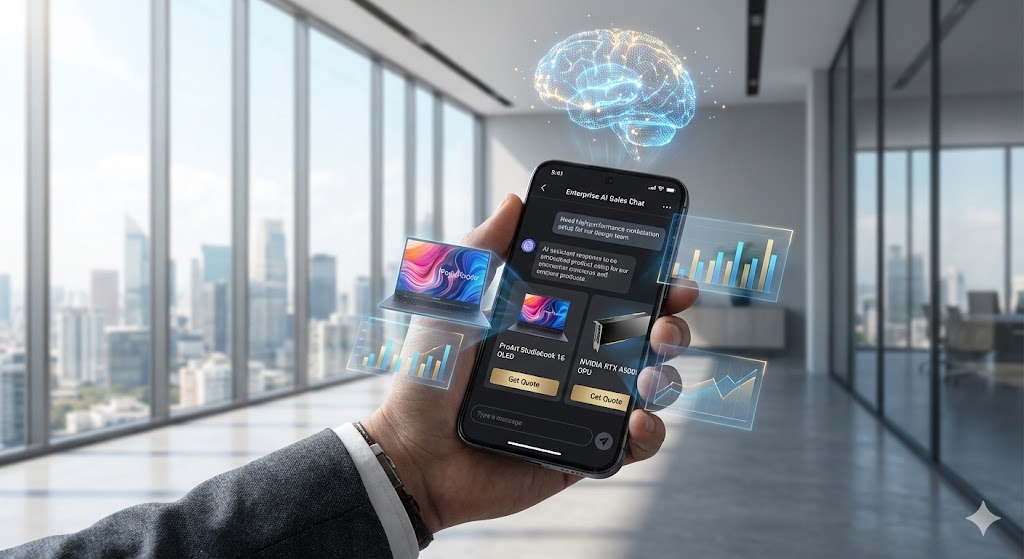
Having a beautiful template isn't enough if customers still have to wait for admin to answer questions. This is where Chat Commerce fills the gap.
How Do They Work Together?
Template = Storefront | Chat = Sales Assistant
Customers browse products on the beautiful template interface, then can chat with AI via LINE to:
Ask Product Details — Size, color, material, or care instructions
Get Recommendations — "Which pants go well with this shirt?"
Close Sales Instantly — AI summarizes order and sends payment link right in the chat
Verify Payment Slips — Send slip to AI for automatic verification and payment confirmation
Seamless Hybrid Experience
Customers don't need to choose between using the template or chat - they can switch seamlessly:
Start from Template → Browse products and add to cart → Switch to Chat → Ask details and close sale
Or Start from Chat → Talk with AI and ask for recommendations → Click link to Template → Select products and checkout
3. O2O Strategy: Connect Online with Physical Store
When customers walk by the physical store, AI Beacon activates:
Send Notifications — Alert special promotions to customers' phones who have the store's LINE
Open Template or Chat — Customers tap notification and enter the template or chat immediately
Close Sales Both Online and Offline — Single system works for both channels
4. Backend System Without Headaches
Google Sheets Integration — Orders from template and chat recorded in the same sheet, view sales from anywhere
AI Inventory Management — System predicts products about to run out based on sales
Automated Reporting — Generate sales reports and popular products automatically
Try the Live Demo App
Want to see how the Fashion Store Template works in real life? Try the demo app!
Test features in real-time:
- Browse fashion products, add to cart
- Select product colors and sizes
- Try the Wishlist system
- Explore UI/UX across all screens
AI Shop is part of AIYA Platform - a comprehensive AI-powered solution to help Thai SMEs grow faster in the digital age